Changelog

Product updates for teams running AI-led customer interviews, embedded feedback flows, and continuous research programs.

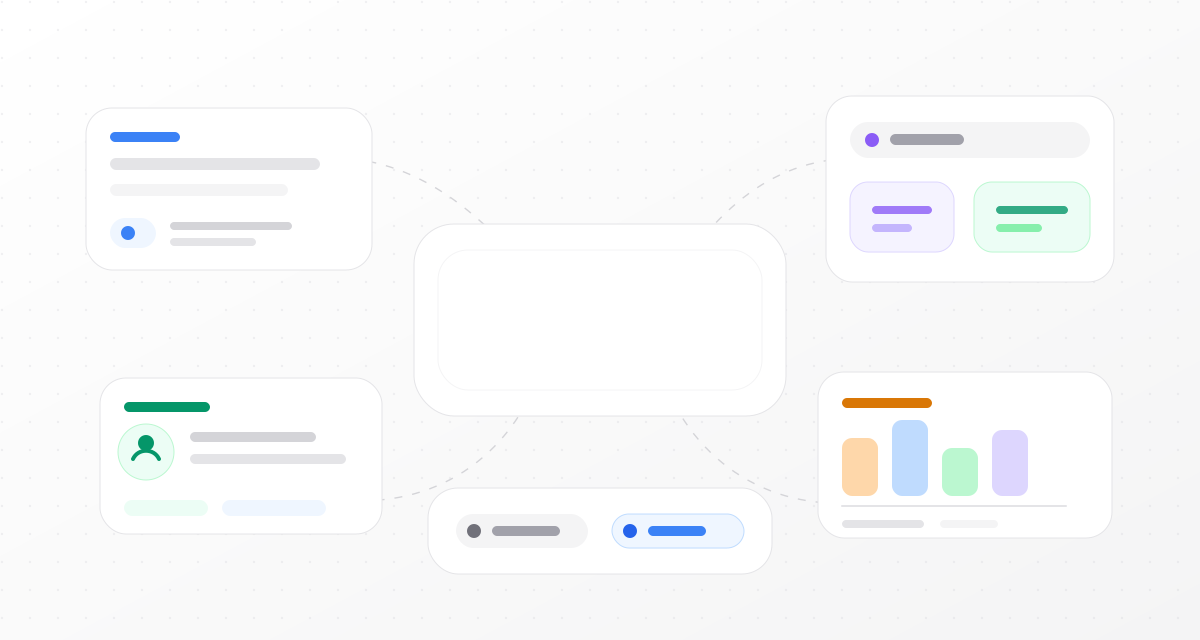
Diaform v2 product update illustration with workspace, sharing, identity, response review, and respondent mode elements
Announcement

Diaform v2: smarter, cleaner and a more complete research workspace

A big release today! Diaform v2 is now cleaner, simpler to use and feels like a complete workspace for customer conversations.

This release improves the work around the interview: how projects are managed, how respondents are identified, how interviews are shared, and how results become useful after a conversation ends.

Projects are easier to manage

Editing, sharing, responses, analytics, and project settings now live inside one project surface. Once you open a project, you can launch it, review it, and manage it without jumping back to the project list.

The dashboard layout is tighter too. Project navigation, previews, forms, and response pages now follow the same structure, so the workspace should feel more predictable.

Sharing and embeds are easier to ship

The new Share page brings public links, downloadable QR codes, embed setup, domain restrictions, previews, and code snippets into one focused flow.

Embed examples now cover plain HTML, React, Next.js, Vue, and Svelte. The previews also match the real embedded interview more closely.

Respondent identities

Names, emails, invite metadata, embed identifiers, and legacy respondent email data can now be linked to the same conversation instead of being spread across separate fields.

CSV exports show names and emails in simple columns, while still keeping the full identities JSON for teams that want the complete structured record.

One or many conversations per respondent

Each project can now decide how respondent sessions behave. Keep one active conversation per respondent for targeted research, or allow the same person to start fresh conversations over time.

Responses are easier to review

The Responses page has been redesigned for faster scanning and calmer reading. The list focuses on respondent, status, source, and metadata, while the opened response has clearer summary and message history views.

Conversation stats such as completion time, browser, audio turns, and voice input duration appear when that data exists, without adding noise when it does not.

Better summaries after each conversation

The AI summary step now has more context about the project, its knowledge base, and any known respondent identities. That makes keywords more useful and lets Diaform add newly mentioned identity details without deleting what was already known.

Platform foundations are stronger too

A lot of v2 work also happened below the surface: permissions, data model cleanup, retry paths, public documentation, and cleaner exports.

  • Project access controls, including restricted projects and explicit read/write access.
  • Expanded organization roles for admins, members, read-only users, and billing-only users.
  • A public Security page with clearer details for buyers and procurement teams.
  • Structured question support for rating and choice interactions inside AI-led conversations.
  • Cleaner embed examples for HTML, React, Next.js, Vue, and Svelte.

What to try first

Create a project, share it by link or embed, choose how respondent sessions should behave, then review the resulting conversations from the redesigned Responses view.

Start now